
FAMILY HEALTH RECORDS
Their health.
A little more connected.
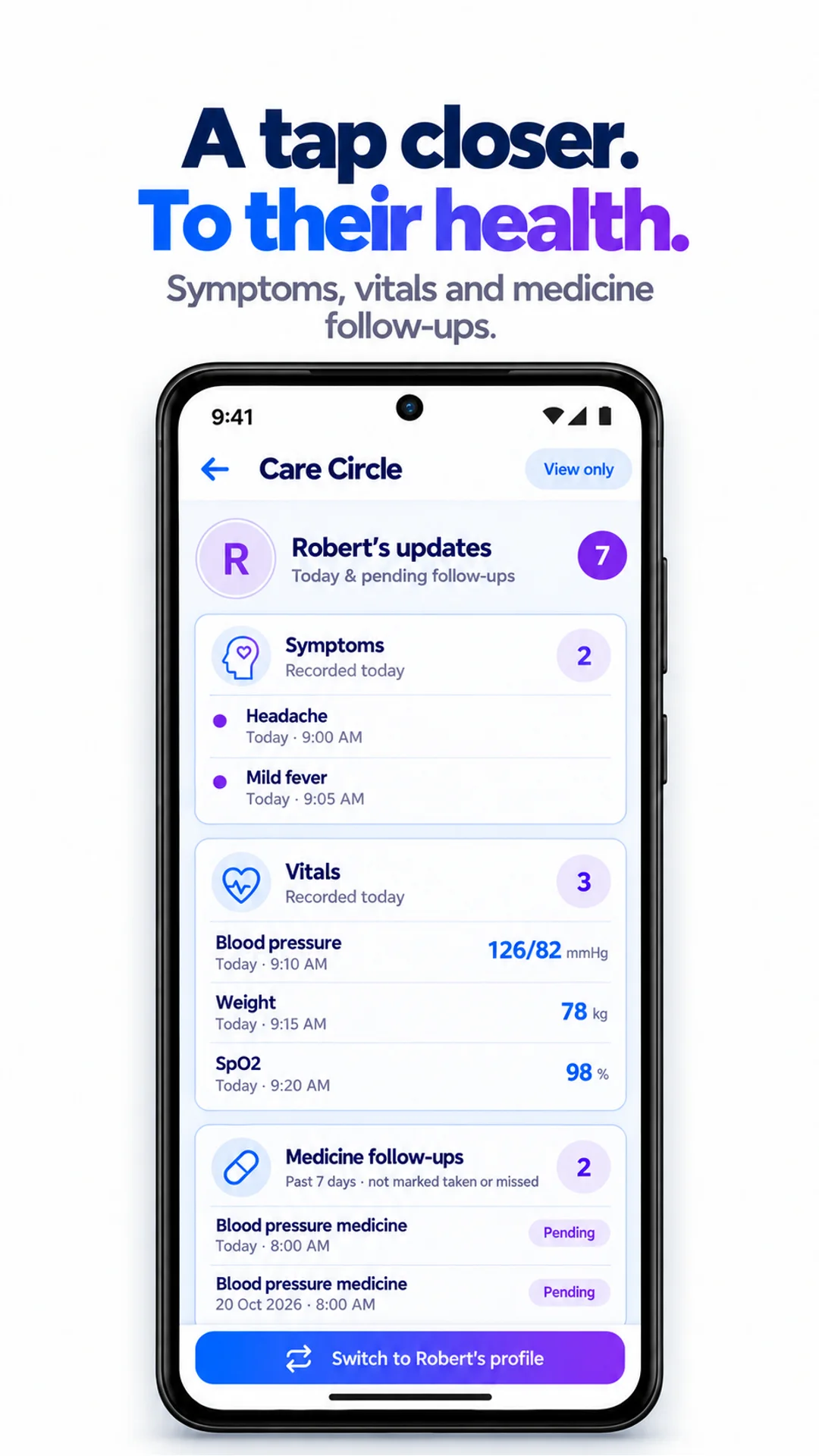
Keep each person’s health records together. Share updates with family, or help manage a parent’s daily care.
For iPhone & Android
HOW IT WORKS
A few steps.
A useful record.
- 01
Connect your family
Invite someone to your Care Circle, or create a managed profile.
- 02
Set the right access
Personal Care Circle connections start view-only. Full profile access is a separate choice.
- 03
Help with everyday care
Review updates and, with full access, add records on their behalf.
One family.
Each person’s own record.
Curex360 brings family health updates into a shared place while keeping individual profiles separate. See what has changed without mixing your records with a loved one’s.
Manage Mom or Dad’s profile
Create a managed profile for someone who needs help using the app. The owner can manage that profile.
Keep records together
With full access, help log symptoms, record vitals, manage medicine schedules and upload reports.
Prepare for the next visit
Create a consultation HealthBook for your loved one, with the details and questions you want to discuss.
What can I keep in a family health record?
Each profile can hold symptoms, vitals, medicine schedules, reports and consultation HealthBooks. Health Log adds a record of mood and wellbeing. Family members with full access can help manage these records.
Can everyone in my Care Circle open my profile?
No. For personal profiles, Care Circle connections are view-only by default: members can see shared updates, but cannot switch into your profile. You can grant full access separately in Care Circle permissions. Managed profiles use different owner and family-access permissions.
Is access the same in both directions?
No. If you give a family member full access, that does not automatically give you full access to their profile. Each person decides who can access their own profile.
How is a managed profile different?
A managed profile is created for someone who needs help managing their account, such as an aging parent or child. Its owner has full access to manage that profile. Managed profiles use owner and invited family-access permissions; review those separately from personal Care Circle permissions.
Can I upload a report for my parent?
Yes, when you own their managed profile or have full access. Switch to their profile first, upload a PDF or photo and review the extracted details before confirming.
Can I use this to prepare for a doctor visit?
Yes. Prepare a consultation HealthBook with symptoms, concerns and questions, then share it with the doctor. Curex360 organizes the context; it does not replace professional medical assessment.
Listening to your health.
Get Curex360


AI features may use in-app credits.