
LAB RESULTS TRACKER
Your lab results.
Over time.
Bring your reports together. Upload a PDF or photo, review the values and see what has changed between tests.
For iPhone & Android
HOW IT WORKS
From a report
to a clearer record.
- 01
Upload your report
Choose the right profile, then upload a readable lab report PDF or photo.
- 02
Check what AI found
Review the patient, report date, biomarker names, values and units against the original.
- 03
Follow the trend
Save the reviewed results and return to your report history as you add more tests.
What does a
lab results tracker do?
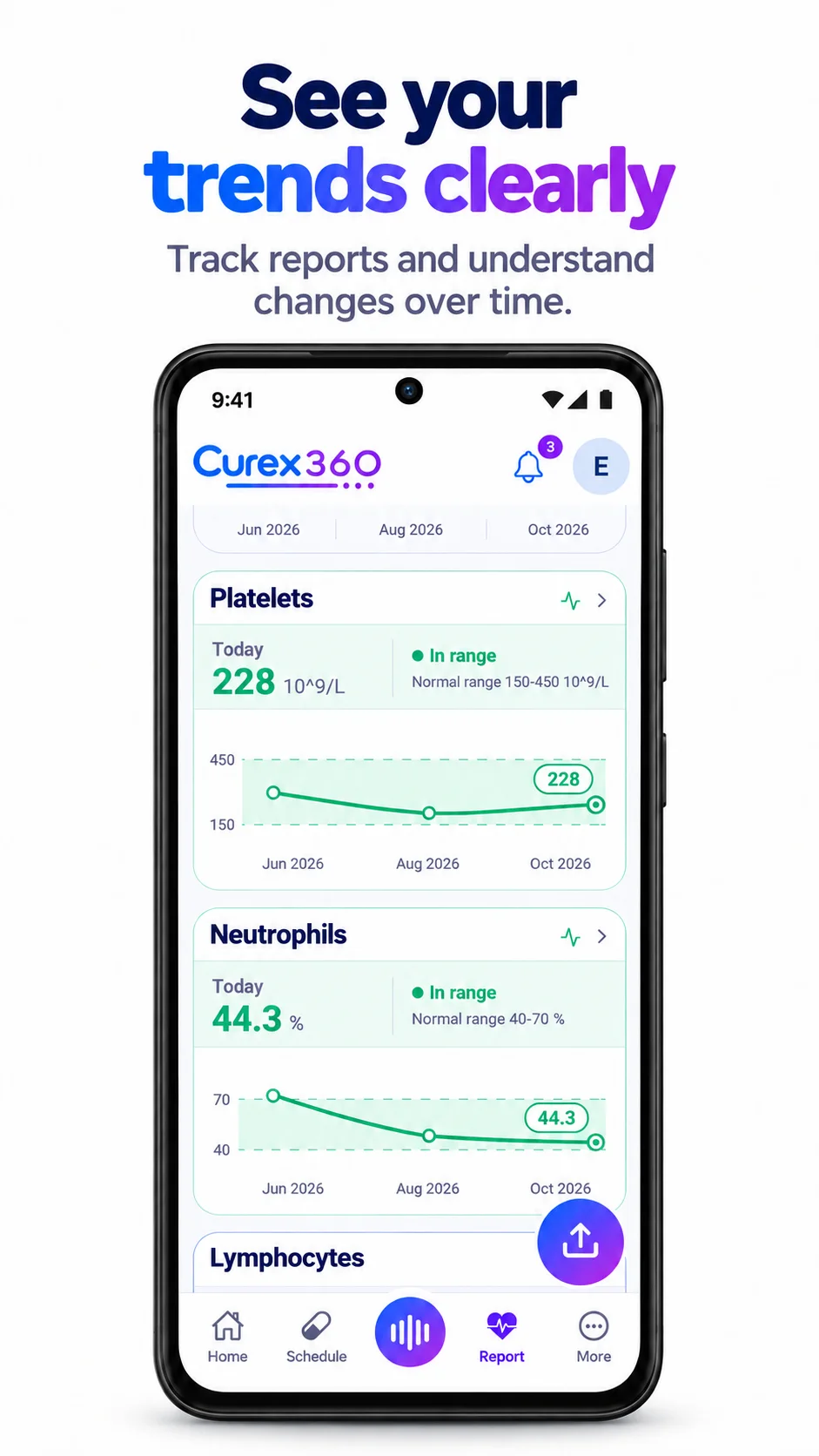
A lab results tracker keeps dated test values together so you can revisit results and compare changes. Curex360 extracts supported values from uploaded reports, lets you review and correct them, and presents your recorded biomarker history in charts.
PDFs and report photos
Use a clear file with the patient details, date, test names and values visible. Check every extracted value before accepting the report.
Numbers with their dates
A dated history makes it easier to find the result you want to discuss. Keep the report date accurate so values appear in the right order.
A separate record for each person
Upload for yourself or switch to an authorized family profile first. Keep a parent’s reports with their record, rather than mixing everyone’s results together.
BEFORE YOU CONFIRM
A quick report check.
Check the source report, especially faint scans or handwritten information.
- 01Correct person and report date
- 02Test name and numeric result
- 03Unit and the lab’s reference range
- 04Any missing or misread values
Can I upload a blood test report as a PDF or image?
Yes. Curex360 accepts PDF or photo uploads for lab report processing. Use a readable document and review the extracted results. The values available depend on what the report contains and what processing can recognize.
Can I track blood test results over time?
Yes. Save reviewed report values with their correct dates, then use the report charts to revisit your recorded history. You need results from more than one date to compare changes over time.
Does Curex360 explain whether my lab result is dangerous?
Curex360 helps organize report values and trends. It does not diagnose a condition, determine urgency or replace a clinician’s assessment. Ask your healthcare professional about results you are concerned about.
What if a report value is read incorrectly?
Edit the extracted value during Report review and check it against the original before confirming. AI can misread decimal points, dates, units or test names. Do not rely on an unreviewed extraction.
How are lab reports different from daily vitals?
A lab report comes from a test document. Daily vitals, such as blood pressure, blood sugar, weight or temperature, are readings you record separately. Curex360 supports both so you can keep different parts of your health history organized.
Can my family upload a report for me?
A person using a managed profile they own, or a family member with your full profile permission, can add records to that profile. Care Circle membership alone does not grant full profile access. See how sharing works.
Does report processing use AI credits?
Yes. Report analysis uses AI credits from the selected profile, and usage can depend on the report. Check the profile’s balance and the credits shown in the app. See the credits guide.
Listening to your health.
Get Curex360


AI features may use in-app credits.